About Garmin Sleep Advanced
HRV, SPO2, HR and motion data advanced control in real time using Garmin Sleep Addon for Sleep As Android App
Compatible with all Garmin wearables with Bluetooth streaming support (ConnectIQ support is not required).
How to check if your device is supported? Open Garmin Connect app. If you can see Heart Rate in real time there that means your device supports Bluetooth Streaming and is supported by this app.
Use your Garmin Device to gather data for sleep tracking with Sleep as Android app (download from Play Store: https://play.google.com/store/apps/details?id=com.urbandroid.sleep )
Features (app measures):
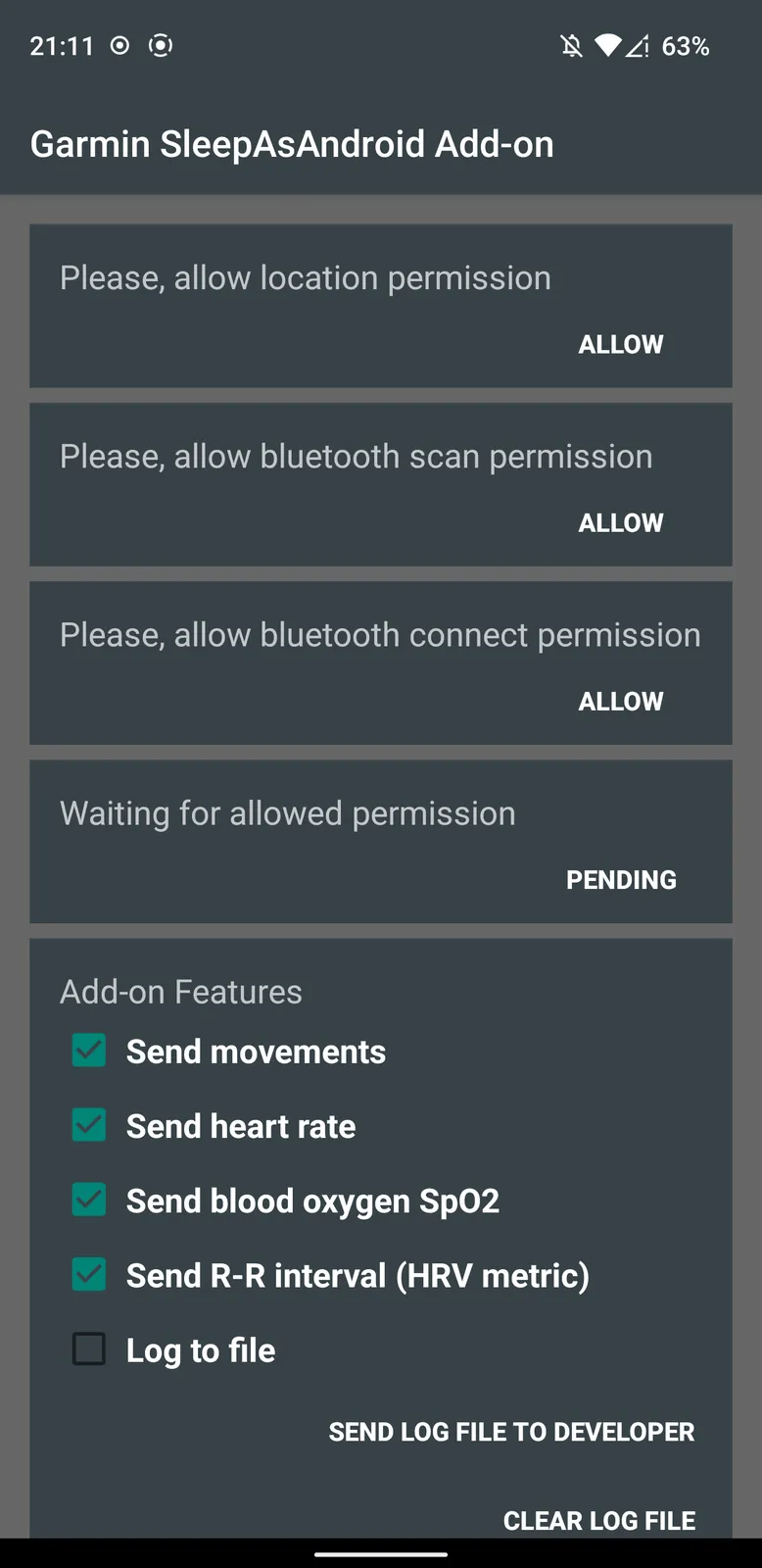
- movements
- heart rate
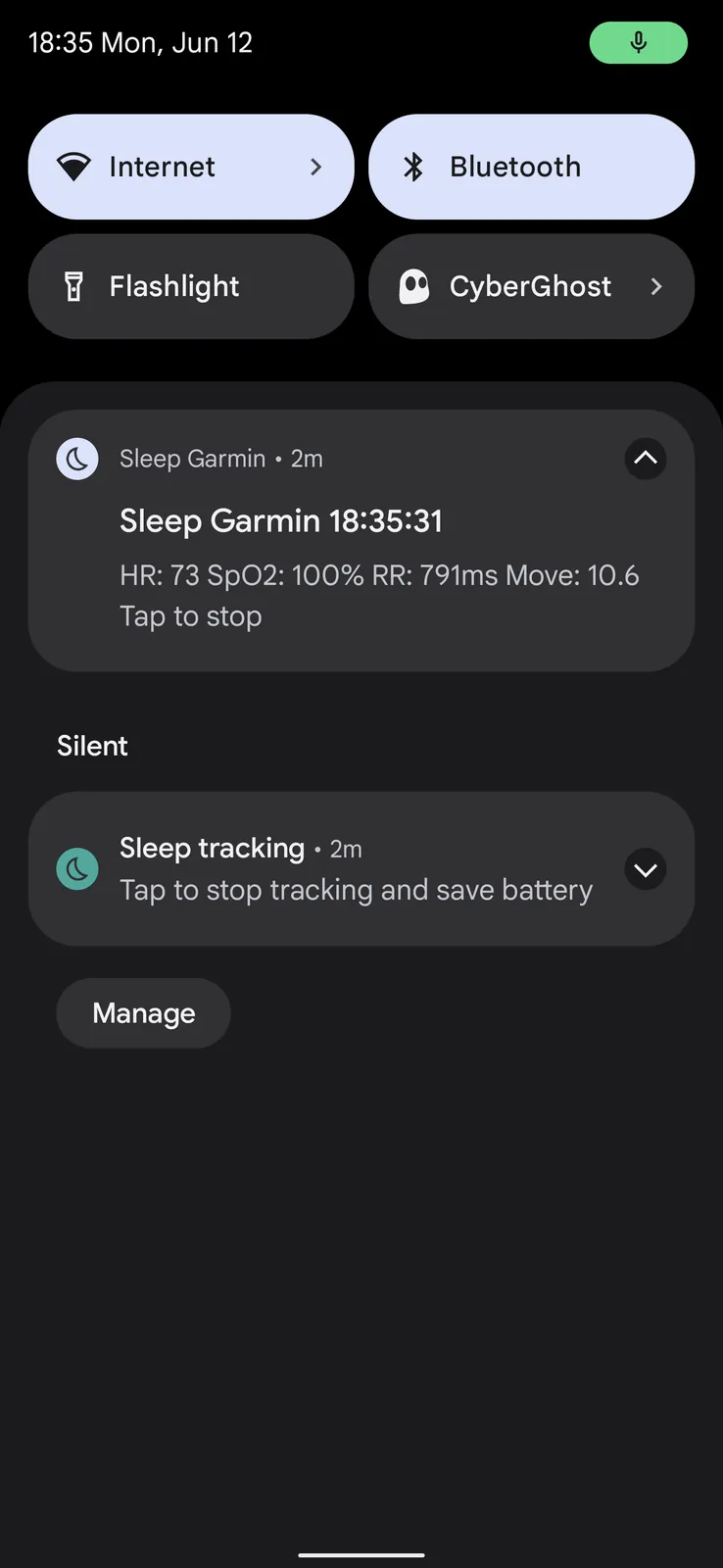
- blood oxygen saturation SpO2
- R-R interval (HRV)
How-to-use:
- make sure you connected your Garmin device with Garmin Connect application ( https://play.google.com/store/apps/details?id=com.garmin.android.apps.connectmobile )
- make sure you installed Sleep As Android application ( https://play.google.com/store/apps/details?id=com.urbandroid.sleep )
- open Garmin Sleep
- allow all permissions for Garmin Sleep
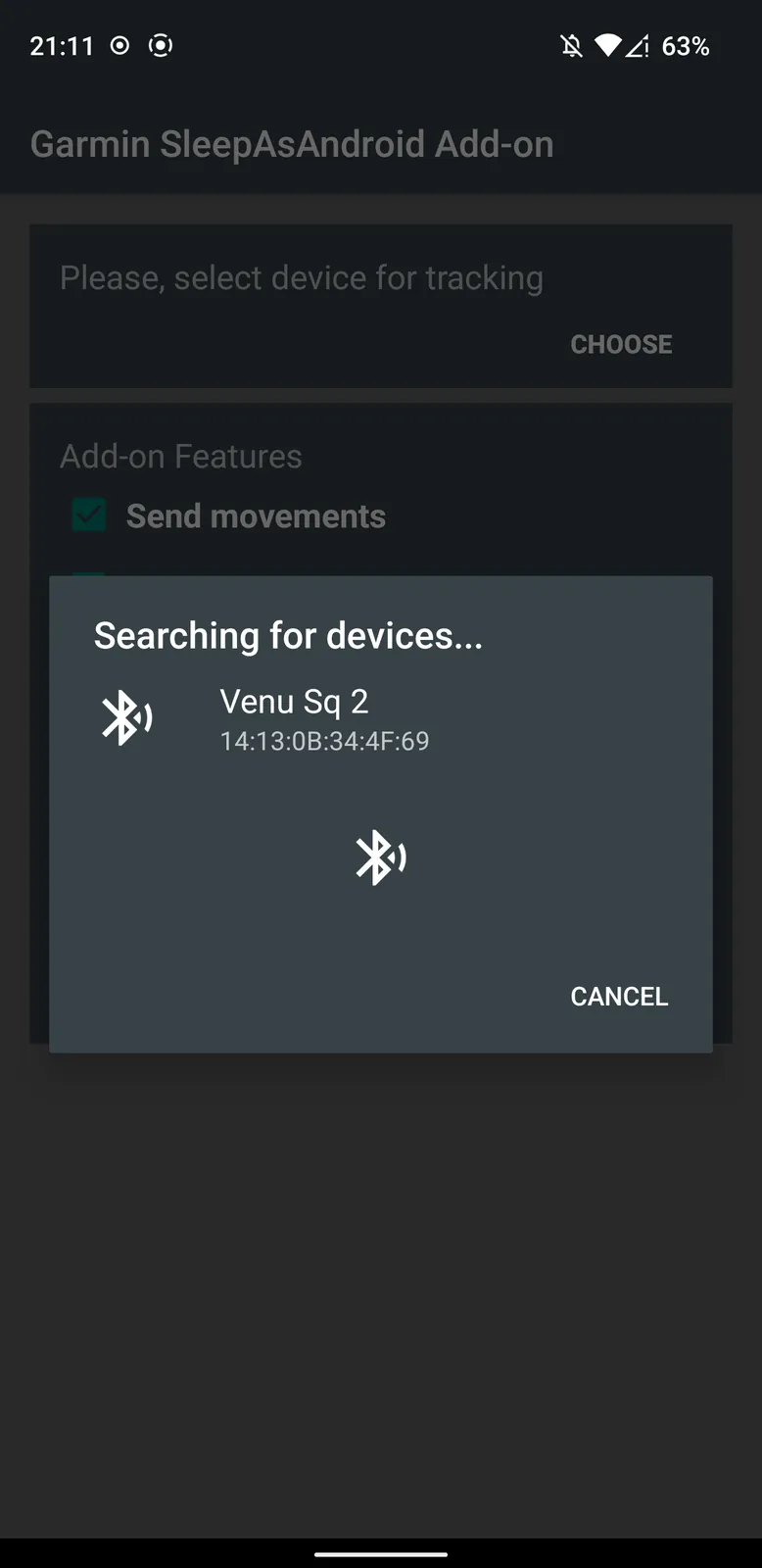
- select your Garmin device for sleep tracking
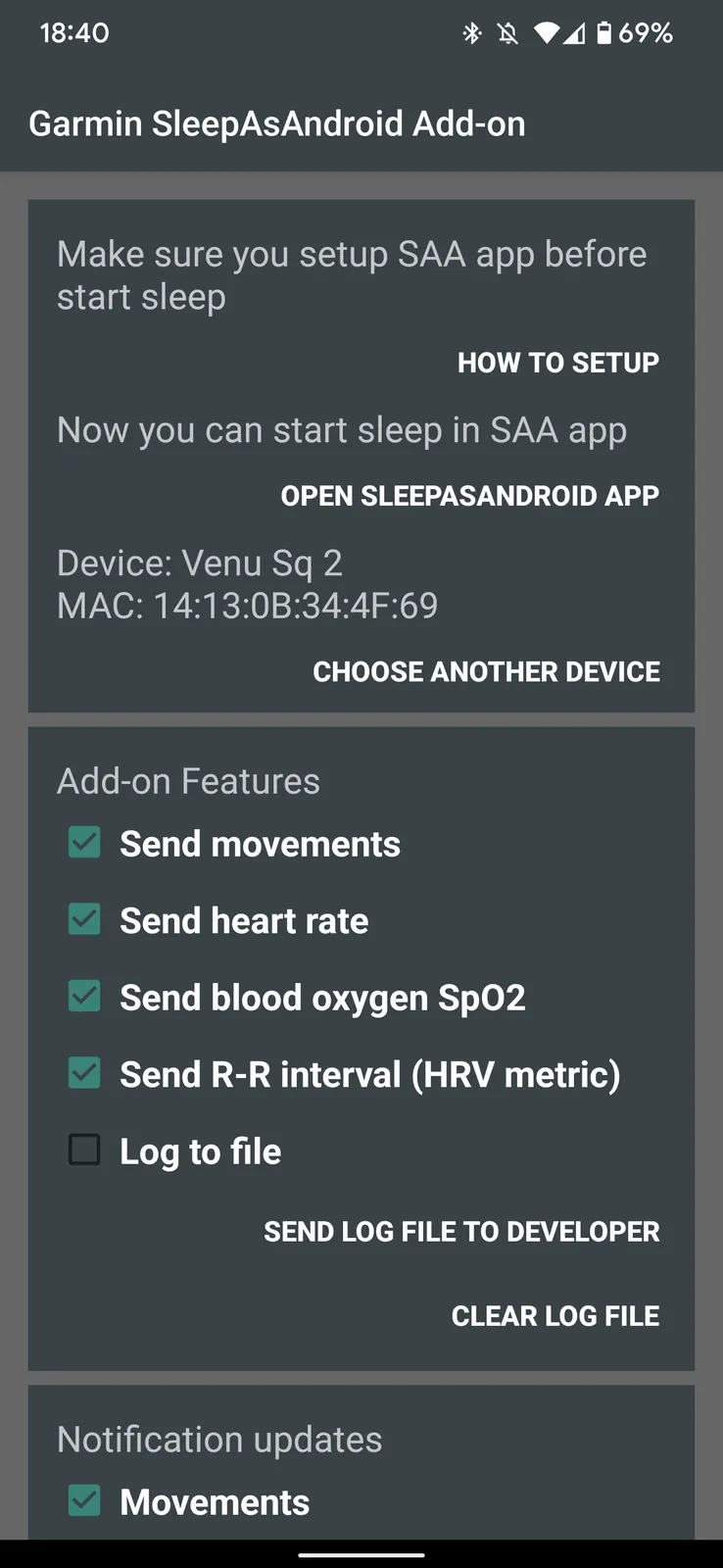
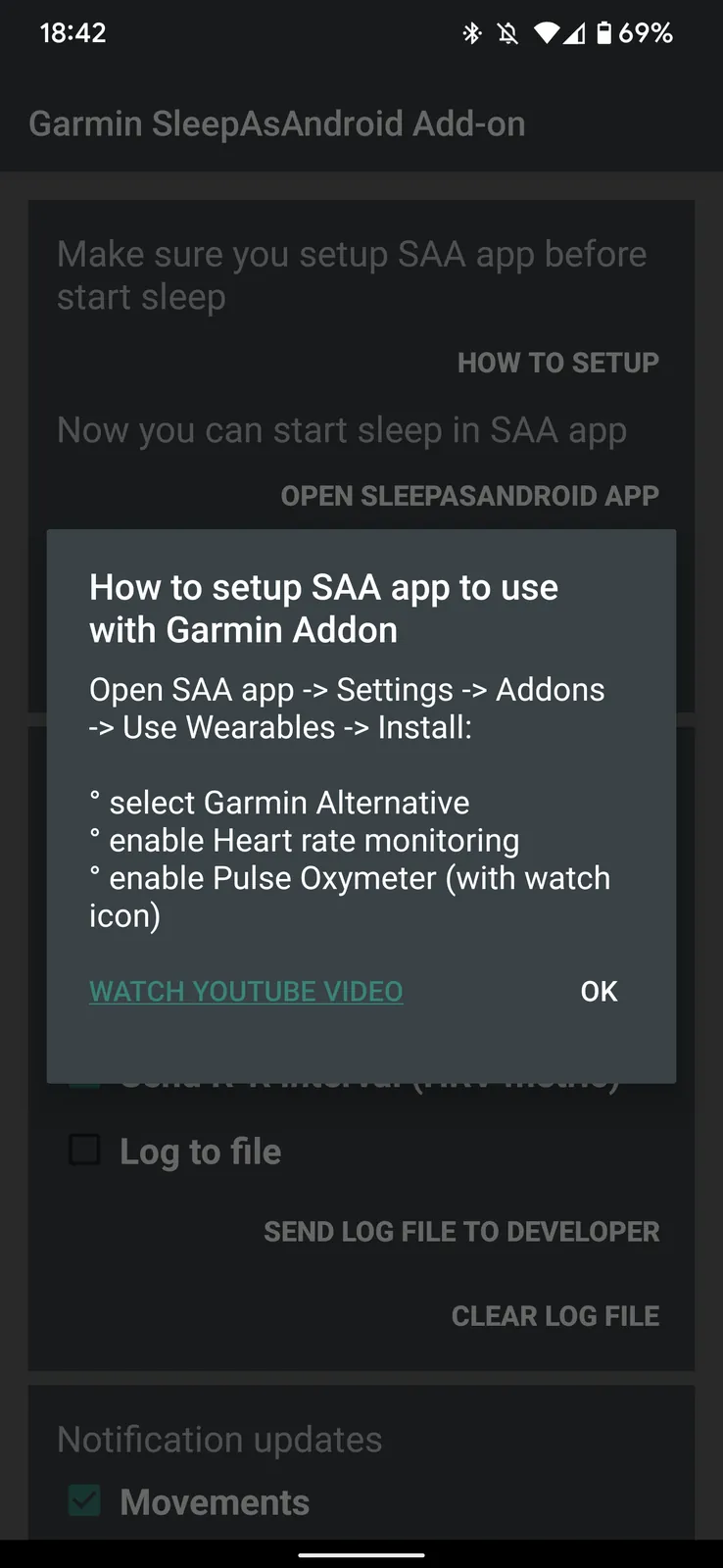
- open SleepAsAndroid app settings -> Wearables -> Install
- select Garmin Alternative
- enable "Heart rate monitoring"
- enable "Pulse Oxymeter"
- start SleepAsAndroid sleep tracking
Check video guide: https://youtu.be/LgYhxWr81TQ
Medical Disclaimer!
This App is not intended for medical use, it is only designed for wellness purposes. App has to be used and compatible with all Garmin Smartbands and SmartWatches that has Bluetooth. App completely relies on data received from Garmin hardware.
App Information
| Version |
1.3.4 |
| Content Rating |
Everyone |
| Released |
May 16, 2023 |
| Publisher Country |
Poland |